
Link shorteners and phishing risk – how to recognize and prevent online scams?
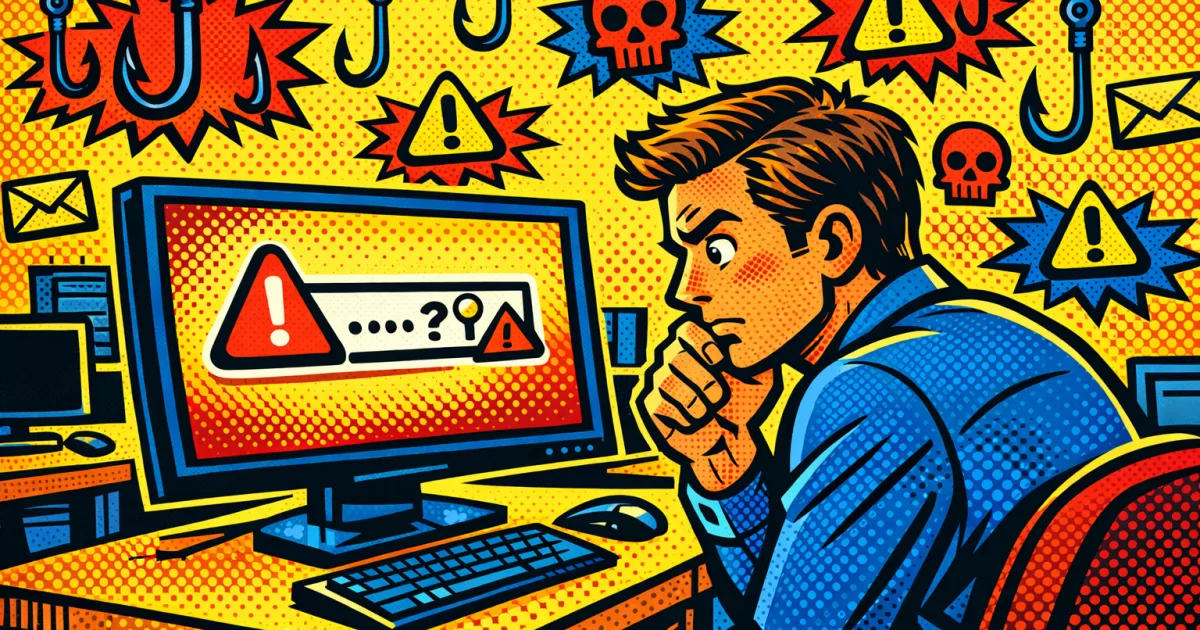
Phishing in shortened links is an increasingly common online threat that can expose users to data loss and security risks. In this article, we explain how to spot fake links and protect yourself from online scams.
What is phishing in shortened links?
Phishing is a scam method involving impersonation of a trusted institution or person to steal confidential information. Link shorteners hide the real URL, which can facilitate their use in phishing attacks.
How do shortened links work in the context of phishing?
Shortened links convert long URLs into shorter ones, but this means users cannot immediately see where the click will lead. Scammers can hide malicious site addresses pretending to be banks, social networks, or online stores.
Phishing threats through link shorteners
How to recognize phishing in shortened links?
Although a shortened link doesn’t reveal its destination right away, there are ways to verify its safety before clicking.
Previewing the target URL
Most shorteners offer a preview option for the target link without opening it. This can be done by adding a “+” at the end of the shortened URL or using special preview services.
Checking the sender and context
Always pay attention to the link’s source. If you received it by email or message from an unknown sender, be cautious and avoid clicking without verification.
Analiza adresu skracacza
Use reputable and trusted link shorteners that monitor and block suspicious addresses. Avoid links shortened on unknown or suspicious platforms.
How to prevent phishing in shortened links?
Prevention is the key to safely using link shorteners.
Choosing a trusted link shortener
Use services like 1URL.PL, which offer not only fast shortening but also ensure link security and provide premium features.
Personalization and control over the link
Create personalized shortened links with your own name to increase recognition and reduce the risk of fraud. Learn more about link shortening z własną nazwą.
Verifying links before clicking
Use tools to preview the destination address and never click suspicious links without checking their content. You can also read about this in the article Shortened link security – how to avoid threats and scams.
User education and awareness
Regular training and informing teams about phishing threats significantly reduce the risk of falling victim to scams.
Frequently asked questions
How to check where a shortened link leads?
The easiest way is to add a “+” sign at the end of the shortened URL or use dedicated services to preview addresses before clicking.
Can every shortened link be phishing?
No, shortened links themselves are not harmful, but they can be exploited by scammers. That’s why verification and using trusted services is important.
What are the best practices when using link shorteners?
Choose reputable platforms, personalize links, check addresses before clicking, and educate yourself about potential threats.
Does 1URL.PL protect against phishing?
1URL.PL is a trusted link shortener offering monitoring and features that enhance user security.
How can I secure shortened links against unauthorized access?
You can use security features like password protection or private links, which you can read more about in Comparison of methods for securing shortened links.
Podsumowanie
Phishing in shortened links is a real threat, but with proper knowledge and tools, you can effectively protect yourself. Use trusted shorteners like 1URL.PL, verify links before clicking, and apply personalization to increase security. Start shortening links on 1URL.PL today and protect yourself and your audience from online scams!